Step inside your photos.
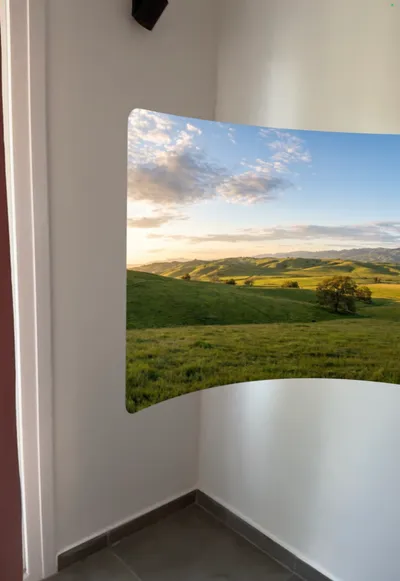
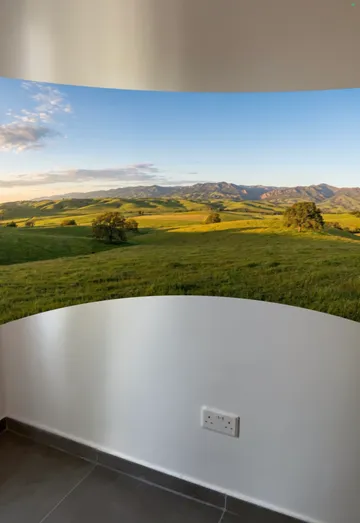
Pano AR hangs a panorama in the room around you and bends it until it wraps your view. Use a photo from your library or open a built-in scene. No stitching, no special camera.
 Free, no account
Your photos
Any wide photo becomes a place to stand in.
Tap the photo button and choose from your panoramas, your whole gallery or the built-in samples. The picture appears in front of you at once, ready to shape.
- Panoramas
- Gallery
- Samples
Shape it your way
One slider and your hands.
There are no modes to switch. Tap the camera view to hide the controls for a clean look, and tap again to bring them back.

Bend it
Drag the ruler to curve the panorama from flat to a full cylinder. A double tap restores the default curve.

Resize it
Pinch with two fingers to make the panorama smaller or larger around you.

Move it
Touch and hold anywhere, then turn or walk with your device. The panorama follows until you lift your finger.

Recenter it
Lost the panorama? Tap the target button to bring it back right in front of you.
Built-in scenes
Nothing in your library yet? Start here.
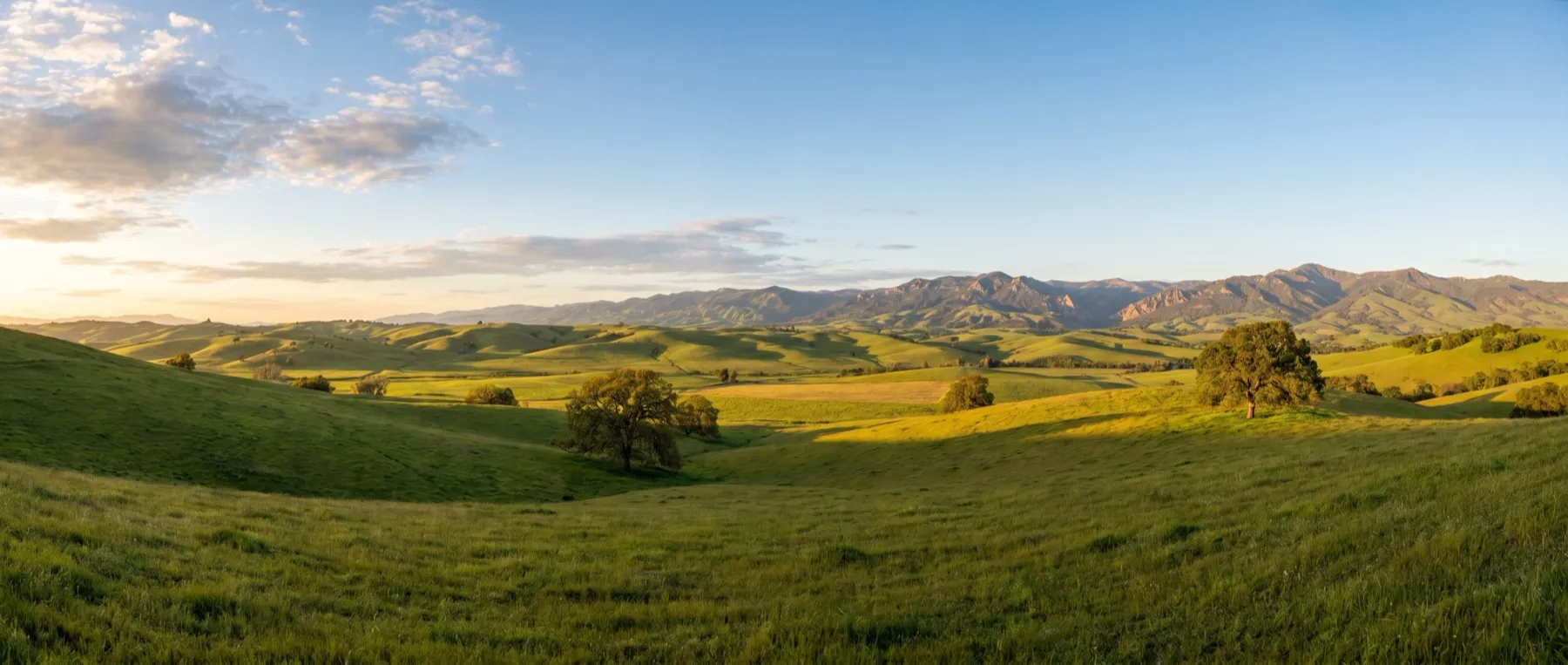
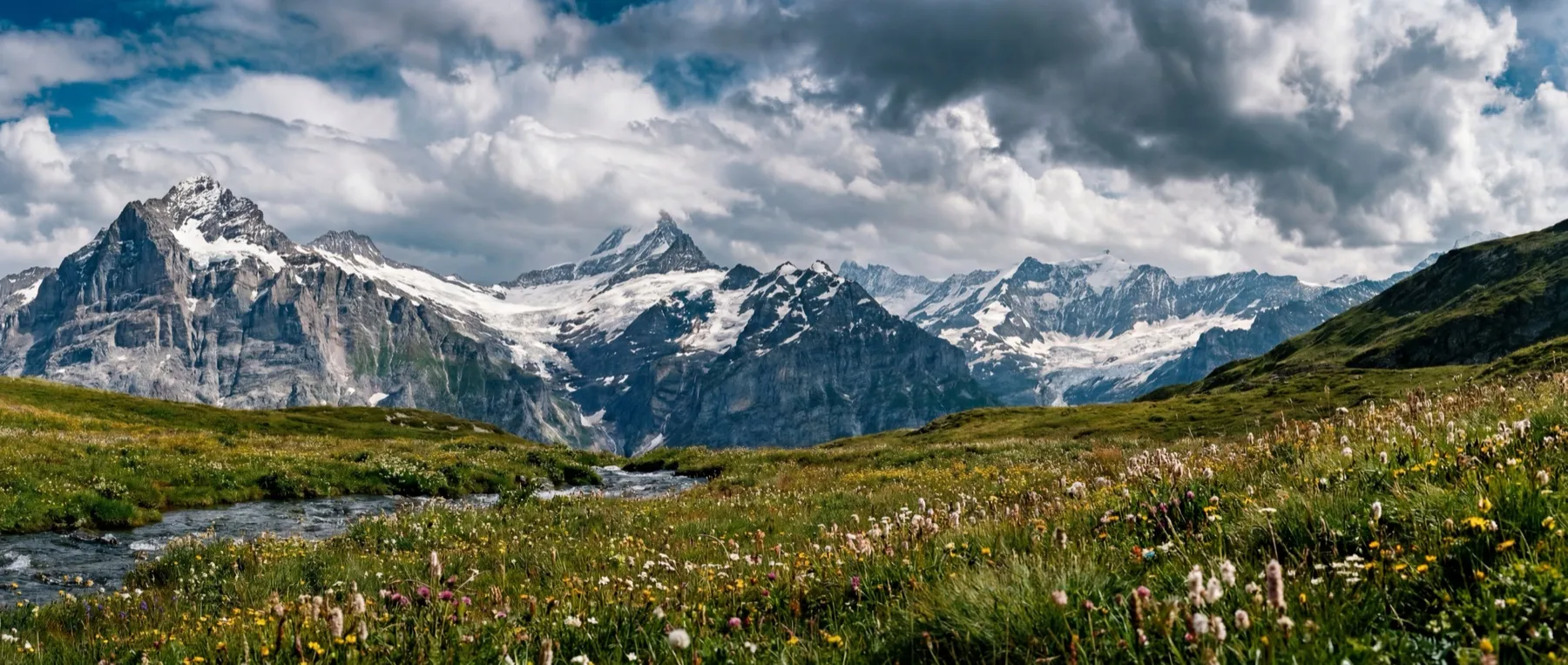
Seven panoramas come with the app, so you can try it the moment it opens.

The short version
Free, and it keeps to itself.
Pano AR has no accounts, no ads and no purchases. Your photos are shown on your device and go nowhere else.
- Price
- Free
- App Privacy on the App Store
- Data Not Collected
- Devices
- iPhone and iPad
- Requires
- iOS 18 or later
- Languages
- 13
- Needs
- Camera, for AR